Meet Archie, the AI assistant for all the software on your computer.
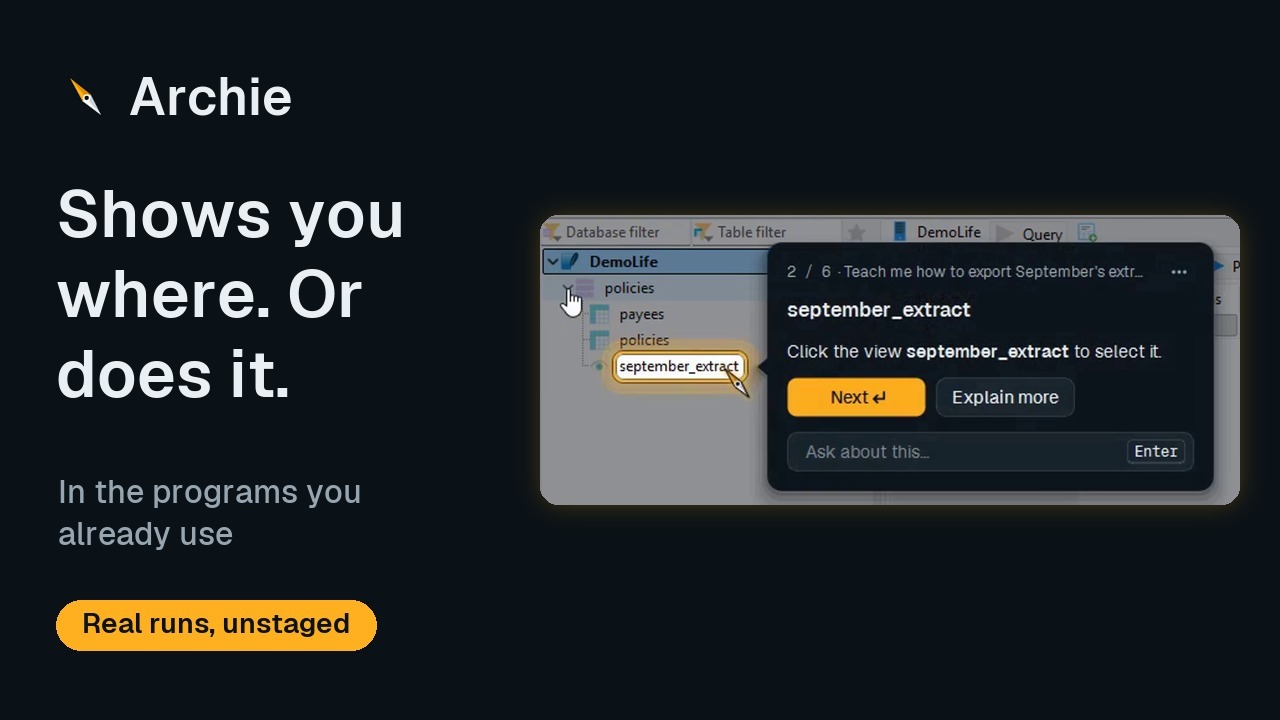
Like other AI assistants, you just ask in your own words. But Archie lives on your screen: it sees the program you're in, points at the exact button, teaches you step by step, or does the job for you while you watch.
- Any software or websitedesktop, web or in-house
- Answers on your screenno copying and pasting
- Your yes firstbefore anything risky
The film
From a first question to a full audit trail.
Ten minutes of real runs on a test PC, with made-up data.
The film is being uploaded. Please check back soon.
How it works
One button, on top of all your software.
- Call Archie your wayClick the disc at the edge of your screen, press Ctrl Alt A, or just say “Hey Archie”.
- Ask in your own wordsType it or say it. Archie already sees which program you're in, so there's nothing to explain. Follow-ups need no name, and it can read its answers aloud.
- Or pick what you needGet something done, learn how, or point at any button or area to ask about it.
- See it happen on your screenA ring on the exact button, a lesson that waits for your clicks, or the job done while you watch.
- Save it, run it againWhat Archie did becomes a task in Archie Studio. Once a manager approves it, it replays with no AI, runs on a schedule, or chains into a workflow.
Illustration
4
What do you want to know?
2Ask or say it…
Recently askedYour last answers, to read again
3Get something doneArchie shows you how, or does it for you
Teach me howHow it works, and what it can do
Point at somethingClick a control, or drag over an area
5Archie StudioYour saved tasks and workflowsTeam
Why people use it
Less time stuck. More time on the real work.
For individuals
- Unstuck in secondsAnswers on the screen you're on. No searching, no waiting for someone to help.
- Learn any software at your own paceYou do the clicking, so it sticks. Lessons pick up where you stopped.
- Manual work, done for youForms, data entry and copying between programs, done while you watch.
- Charts and images, analysed for youArchie reads what's on your screen, so there's no screenshotting and pasting every time you have a question.
- No fear of breaking thingsEvery step is shown first, with your yes before anything risky.
- Just say itSay “Hey Archie” and ask, hands-free, and hear the answer read aloud. The voice runs on your computer.
For organisations
- Faster onboarding for new hiresA patient guide on every screen, in your own in-house systems too.
- Fewer IT ticketsEveryday “how do I…” questions get answered on the spot, not queued at the IT desk.
- No-fuss handoversWhen someone moves on, their tasks and workflows stay. The next person reruns them or learns them, and each one documents how the work is done.
- More from the software you pay forPeople find and use the features you've been paying for all along.
- Nothing to build or maintainNo guides to write, and nothing breaks when your software updates. Install it, and it works in all your software.
- An audit trail as you workEvery run is logged: who ran what, when, and each step, ready to export for reviews and governance.
Go deeper
Pick what you want to know.
What it does
Ask, learn, do, then save it for the team
Real recordings of each, from a first question to a scheduled workflow.
Open How it comparesAgainst chatbots, agents and automation tools
Nine capabilities, eight kinds of help, checked against each product's public documentation.
Open Built properlyThe design choices, and why
Retrieval, tools, access control, guardrails, cost and testing, in plain words.
Open Safety and controlYour yes, fixed risk rules, a full record
Approvals, privacy masking, and your own Claude account with no keys held by Archie.
Open Tested on real software54 programs tested end to end
What was tested, and what comes next.
Open